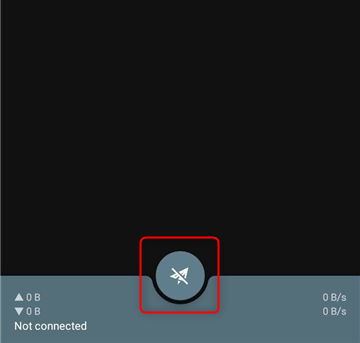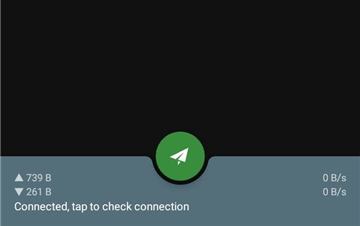
What is Shadowsocks?
Shadowsocks is an open-source proxy tool designed to enhance online privacy and bypass internet restrictions. Unlike VPNs, it functions as a SOCKS5 proxy, offering greater flexibility, speed, and lightweight performance. It’s particularly effective in avoiding deep packet inspection (DPI), making it a great choice for users needing reliable access to restricted content. When combined with Toolip, Shadowsocks enables a secure, anonymous, and location-based browsing experience while ensuring uninterrupted access to websites. Prefer an enterprise-grade guide? Learn more about Oculus Proxies Shadowsocks Integration Guide.How to Integrate Toolip With Shadowsocks
- Windows
- Android
1
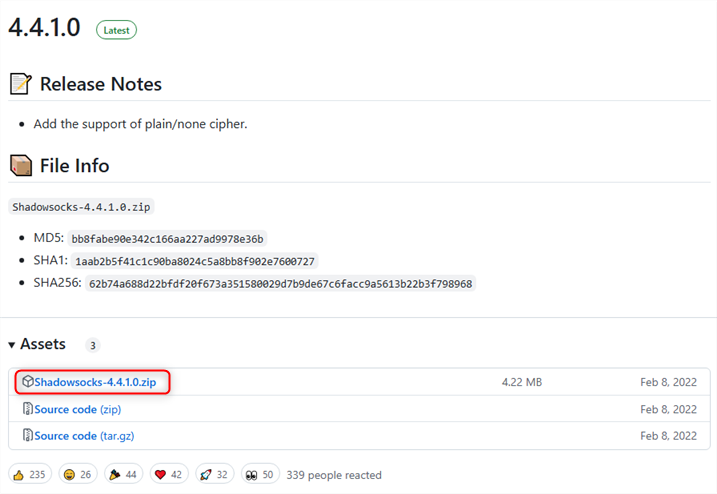
Download Shadowsocks
2
Extract and Open Shadowsocks
1. Unzip the downloaded folder.2. Open Shadowsocks.exe to launch the application.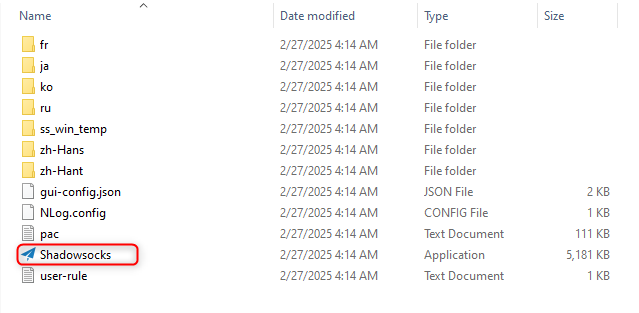
3
Configure Your Toolip Proxy
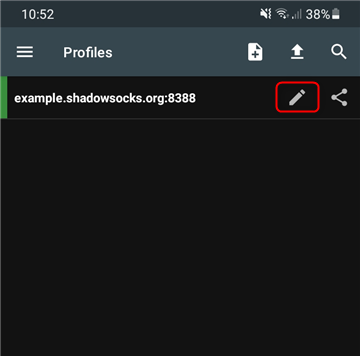
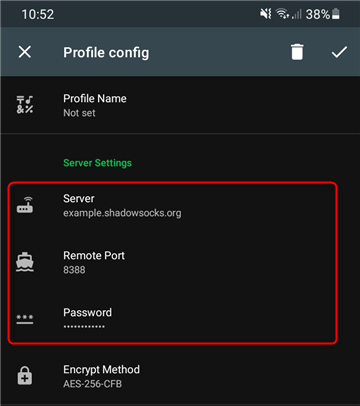
1. In the Shadowsocks window, enter your Toolip proxy details: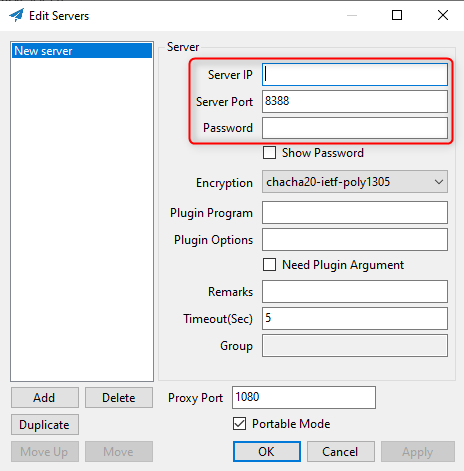
-
Server IP:
proxy.toolip.io - Server Port: Use the port number from your Toolip dashboard.
- Password: Your Toolip proxy password.
4
Save Your Proxy Configuration
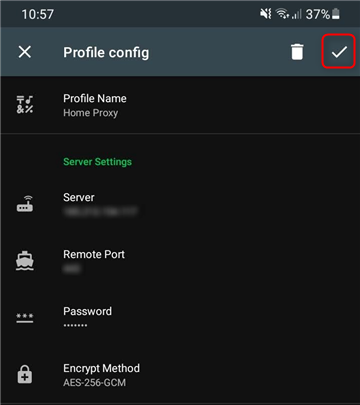
1. Click Apply to confirm your proxy settings.2. Click Save to store the configuration.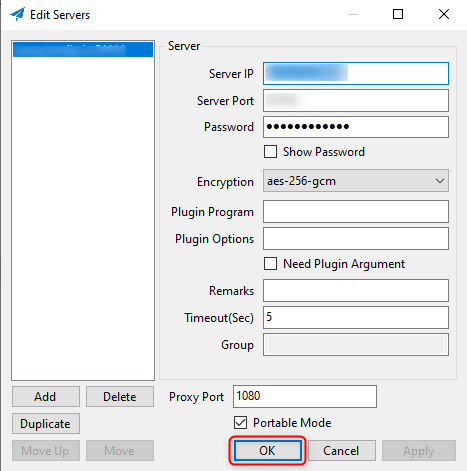
5
Enable the Proxy
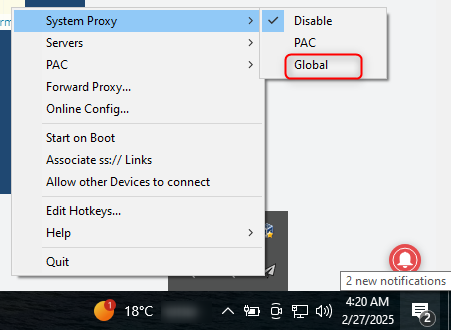
1. Right-click the Shadowsocks tray icon.2. Select System Proxy.3. Choose Global to route all traffic through the proxy to confirm that Shadowsocks is active.