What is SocialPostCenter?
SocialPostCenter allows you to manage all your social media accounts from a single dashboard, making it ideal for individuals, businesses, and digital marketers. Easily create and publish content across multiple platforms, schedule posts in advance, and save time by bulk uploading hundreds of posts in just a few clicks. Paired with Toolip, you gain access to a clear and intuitive dashboard, helping you track performance and refine your social media strategy efficiently. Prefer an enterprise-grade guide? Learn more about Oculus Proxies Socialpostcenter Integration Guide.How to Integrate Toolip With SocialPostCenter
1
Create an Account
Visit the SocialPostCenter website and create an account.
2
Access Proxy Settings
Go to your dashboard and navigate to the Proxies section in the left menu.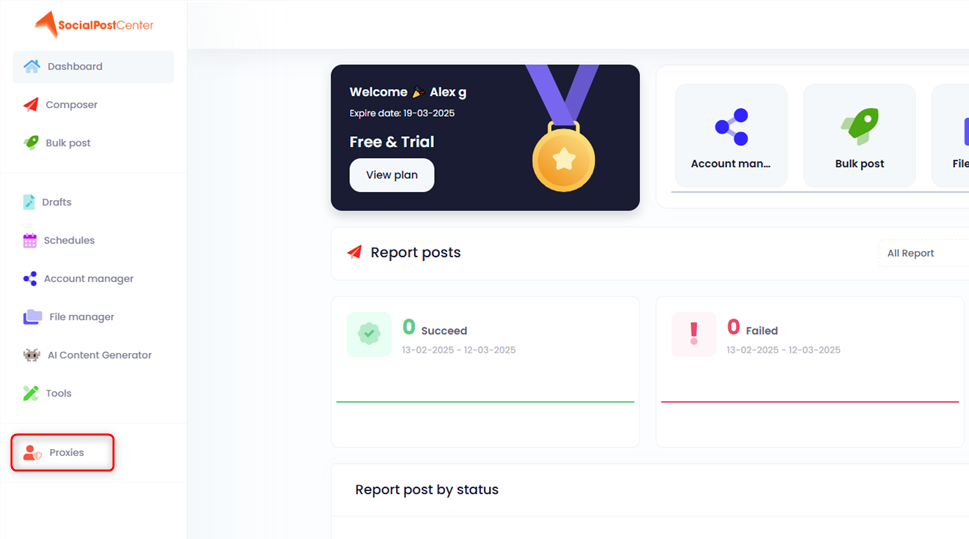
3
Add a Proxy
If no proxies are shown, click Add New. Otherwise, press the + button at the top.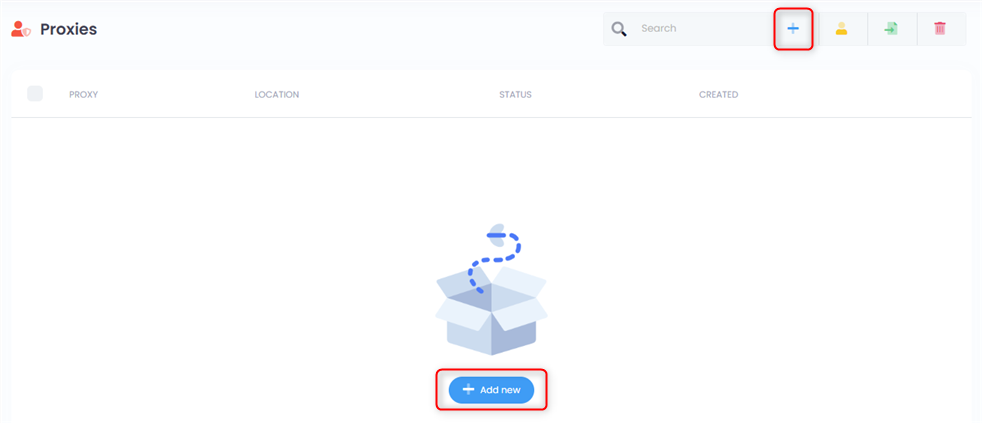
4
Enter Proxy Credentials
In the pop-up window, enter your proxy details in the format: 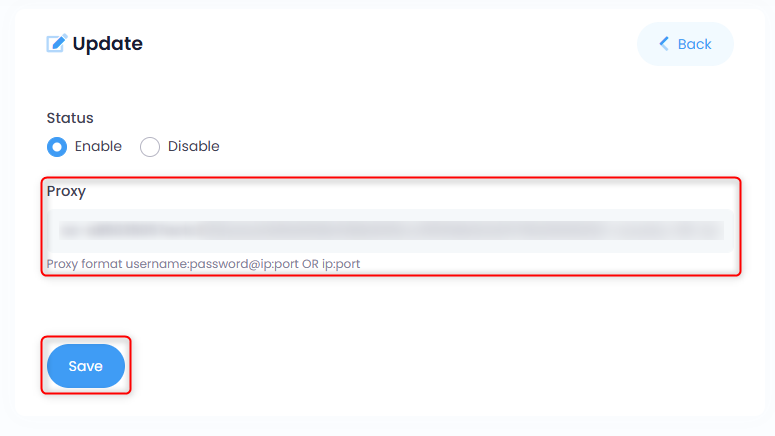
username:password@host:port, then click Save.5
Assign the Proxy
Mark the newly added proxy and click the yellow Assign button at the top.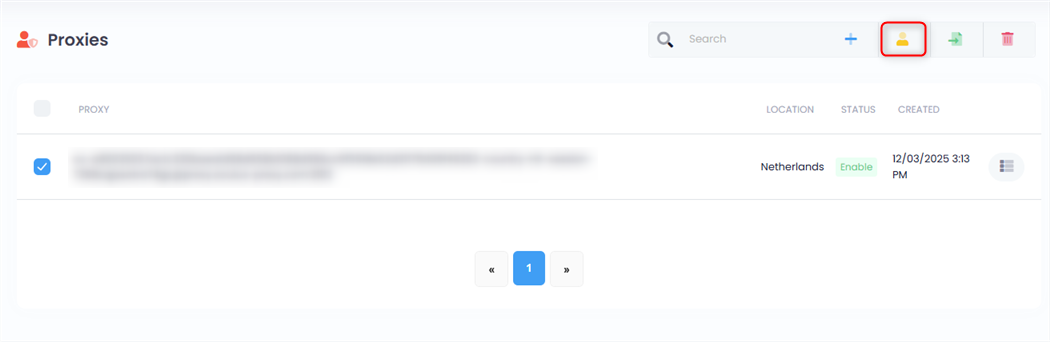
6
Confirm Proxy
Click the green Assign button, then choose the proxy from the list.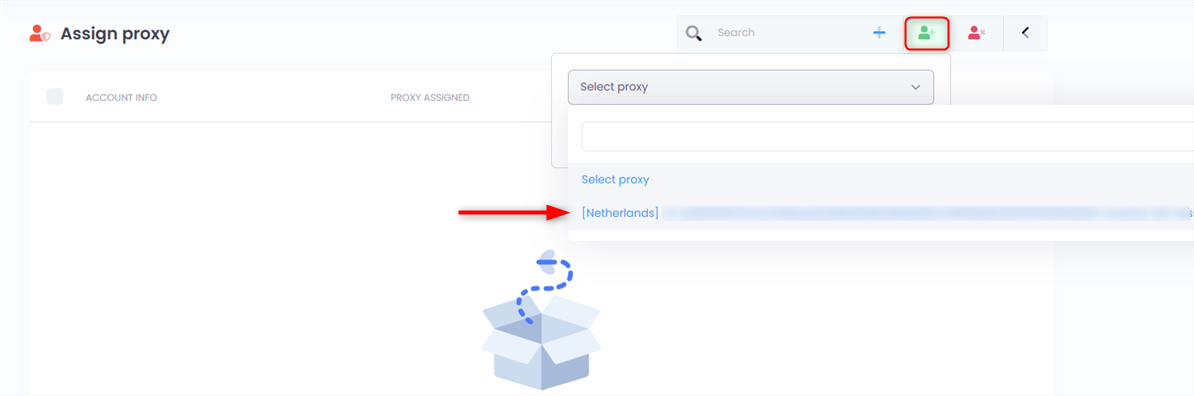
7
Link the Proxy to a Social Account
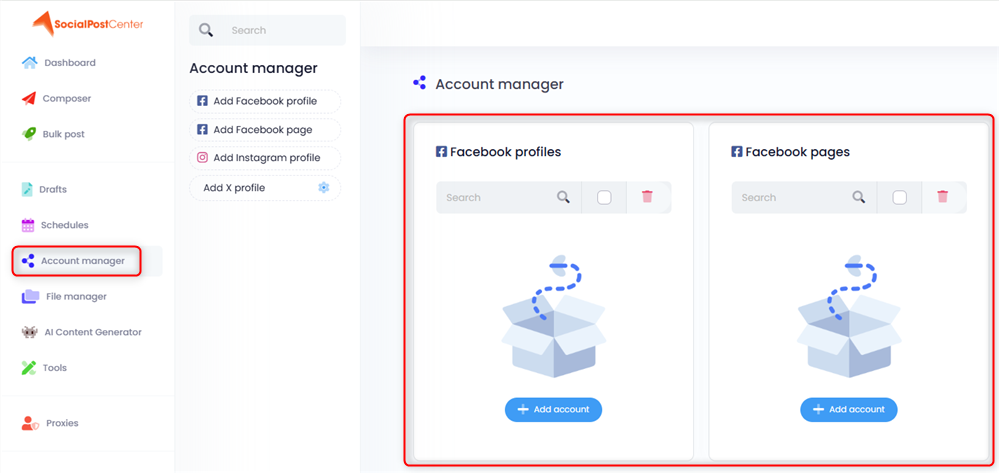
Make sure you have a social account linked via the Account Manager, then assign the proxy to that profile.