

1
Open Toolip and Get Started
Open toolip and click on Get started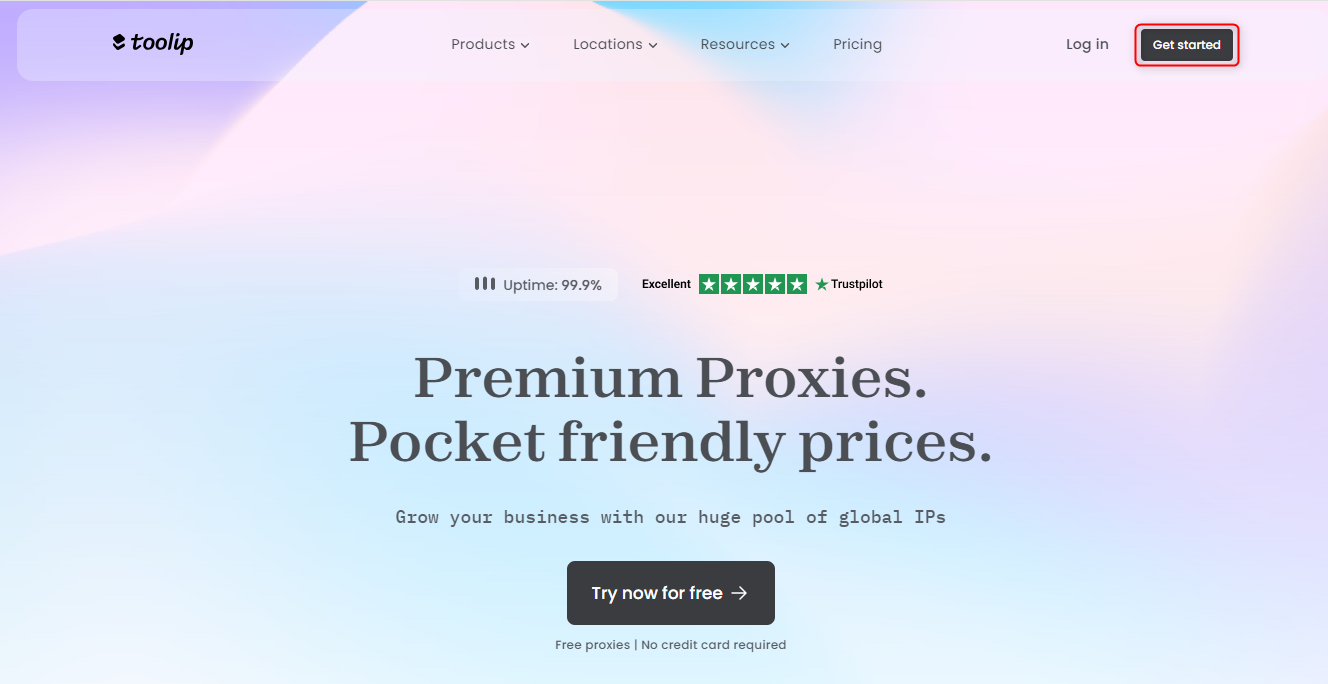
2
Begin Setup
Click Let’s Get Started to follow the setup instructions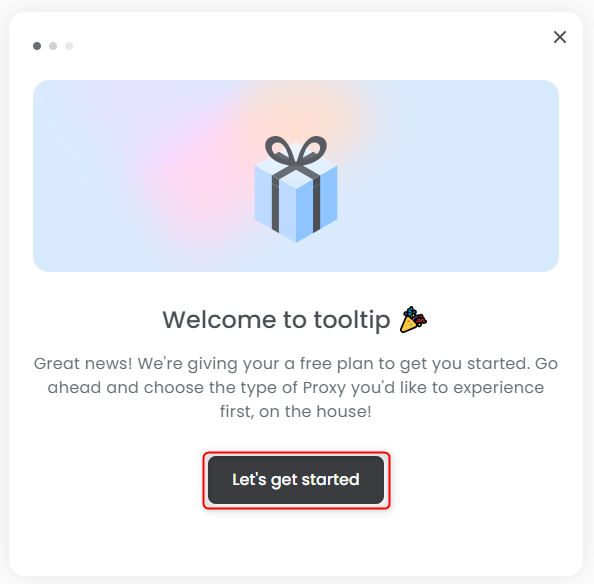
3
Select Your Proxy Type
Choose Rotating Residential Proxy from the list, then click Choose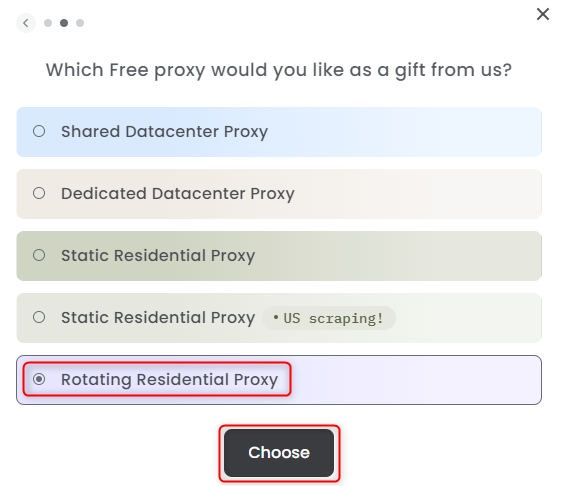
4
Generate Your Proxy
Click the Generate button to create your proxy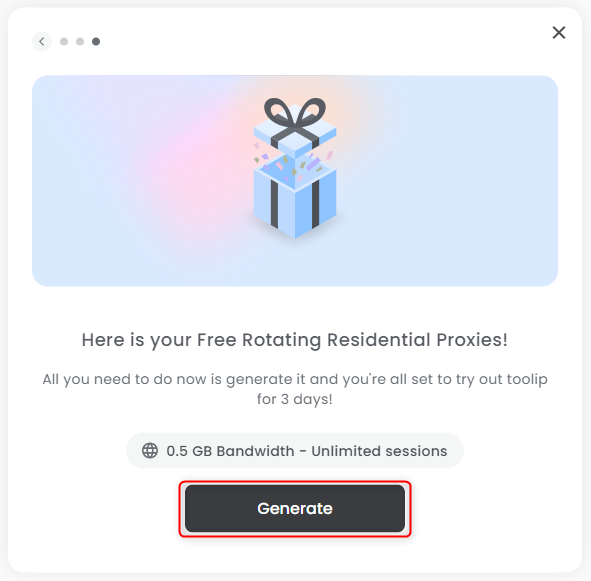
5
Your Proxy is Ready!
Click on Show configured list to start using your proxy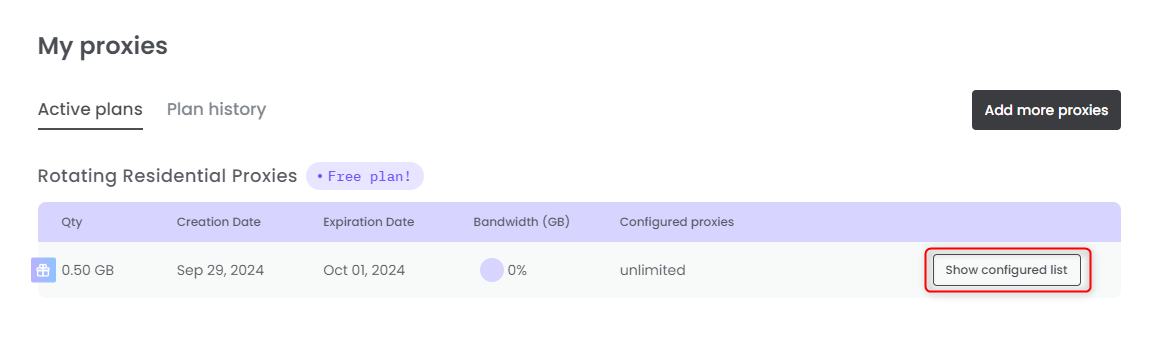
6
Signup (if you haven't yet)
Sign up for your free plan — no cost at all! If you’re satisfied, you can always and purchase more proxies here.